
Receive invoices

Receive & standardize incoming invoices from any source

Pull e-invoices, attachments and other business documents from tax portals, e-invoicing networks and emails with AI extraction, then normalize them into one structured format for further routing and automation.

Start receiving invoices

All incoming documents become standardized, structured, usable data.
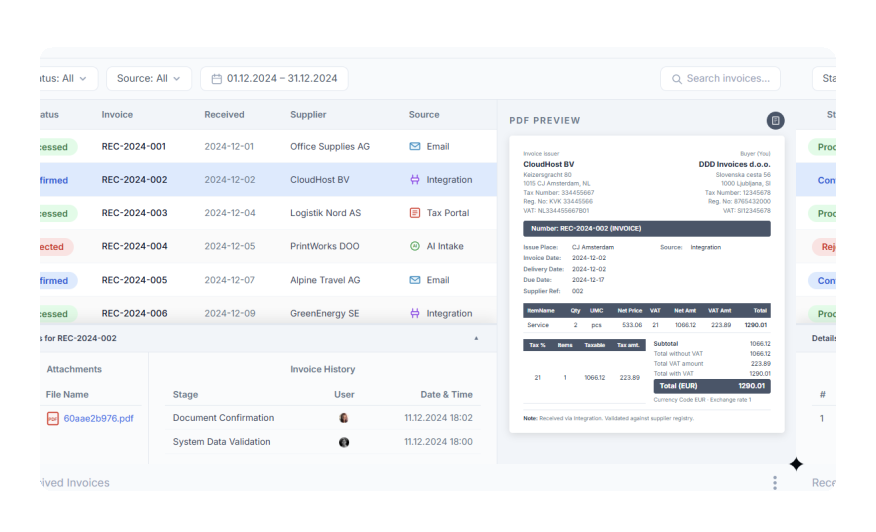
Received invoices workflow preview
Inbound channelsUnified data formatPush / pull routingReceived visibility

How to

From incoming invoice to structured data in minutes.

01 Register

Register in the DDD dashboard

02 Set up inbound channels

Set up the inbound channels used for incoming invoices
03 Receive your first invoice

Receive your invoices through the configured channel
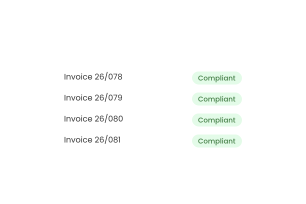
04 Get it into your systems

Move structured invoice data into your internal systems and workflows

Start for free

Receive invoices from tax portals, e-invoicing networks & emails with AI extraction

Set-up incoming flows for your or your client's invoices and route them through one structured flow instead of handling files manually across disconnected systems.
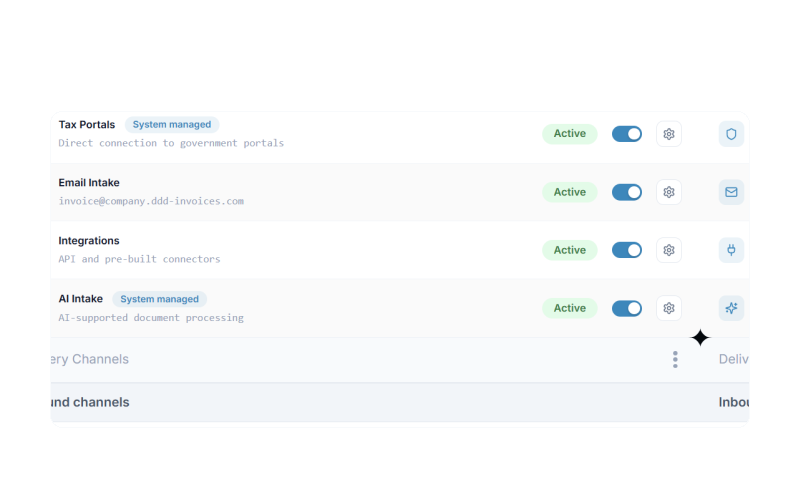
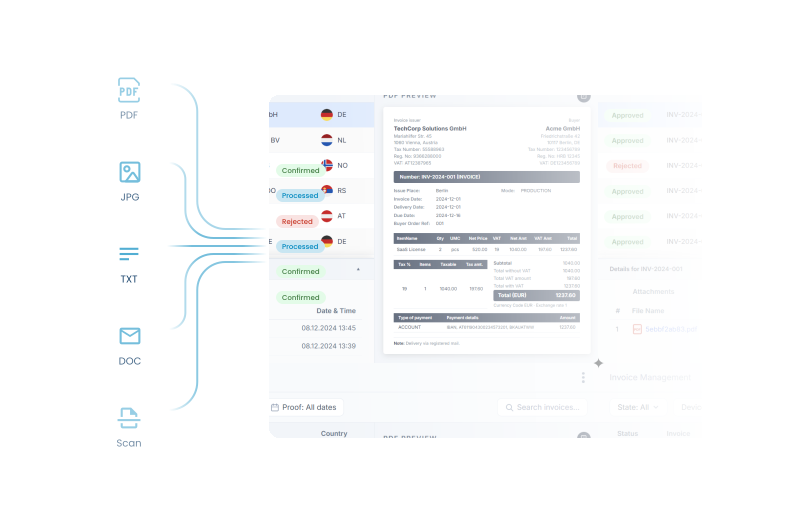
  • One received flow across different sources
  • Standardized handling after intake
  • Better control before data moves downstream
  • Less manual invoice processing
Incoming invoice channels consolidated into one flow
Invoice formats standardized into one structured standard

Standardize different invoice formats into one structured standard

We'll convert incoming invoices into structured & standardized invoice data so they can be processed in your system.

  • Normalize various formats and files into one standard
  • Reduce manual data handling
  • Prepare received invoices for downstream automation

See statuses, attachments, and processing history

See incoming invoice records, inspect attachments, and follow processing stages related to received invoice handling.
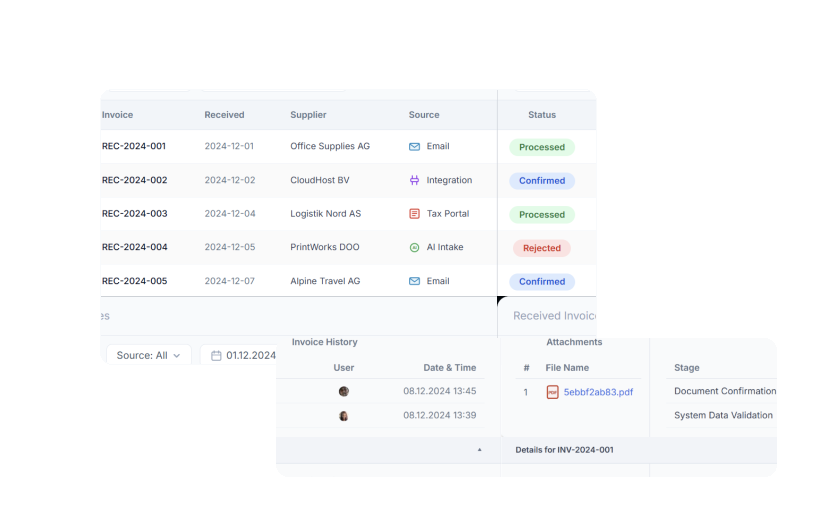
  • Received invoice list
  • Attachments
  • Invoice history and stages
Received invoice statuses, attachments, and history
Push and pull received invoice data into internal systems

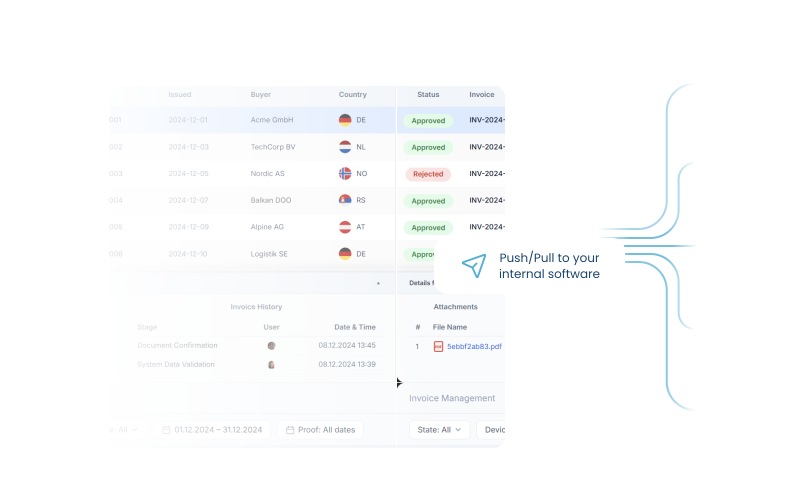
Push and pull received invoice data inside your systems

Once incoming documents are standardized, get the invoice data (with all the original received documents as links) into your system through basic or advanced APIs.

  • Push or pull data into your internal software
  • Route invoices internally
  • Support downstream automation and processing

Use basic and advanced API capabilities for received invoice workflows

Integrate received invoice APIs into complex internal processing flows, confirmations, reconciliations, or document workflows.
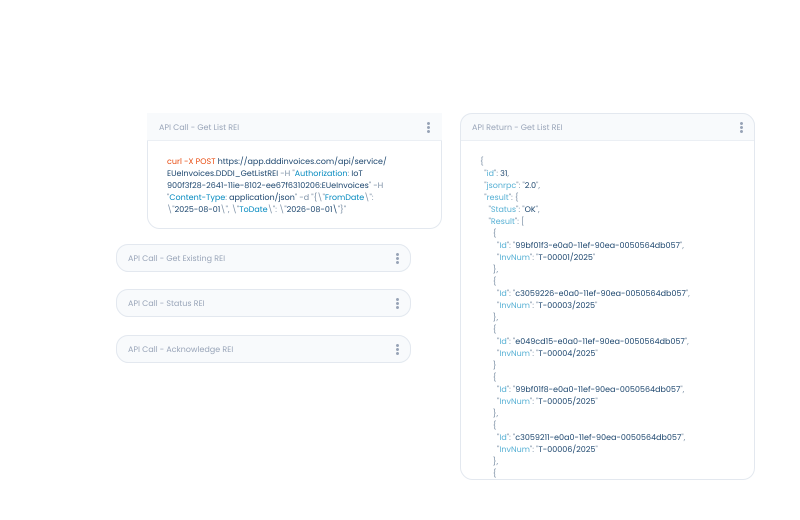
  • Get all invoices' IDs listed
  • Get the standartized invoice data with original documents of each invoice
  • See status of each invoice
  • Approve & reject the invoice
Received invoice API workflow capabilities

USE CASE

This is how it's done.

Video Thumbnail

“The APIs are shared, clean and flexible. It was very easy and clear for us.”

FAQ

Frequently asked questions